
Automated PDF invoice import for SAP Business OneLearn once. Import forever.
Show templit one supplier invoice, and it learns the format. From then on, every invoice imports itself into SAP Business One — right on your own system.
Most templates take just a few minutes to set up.
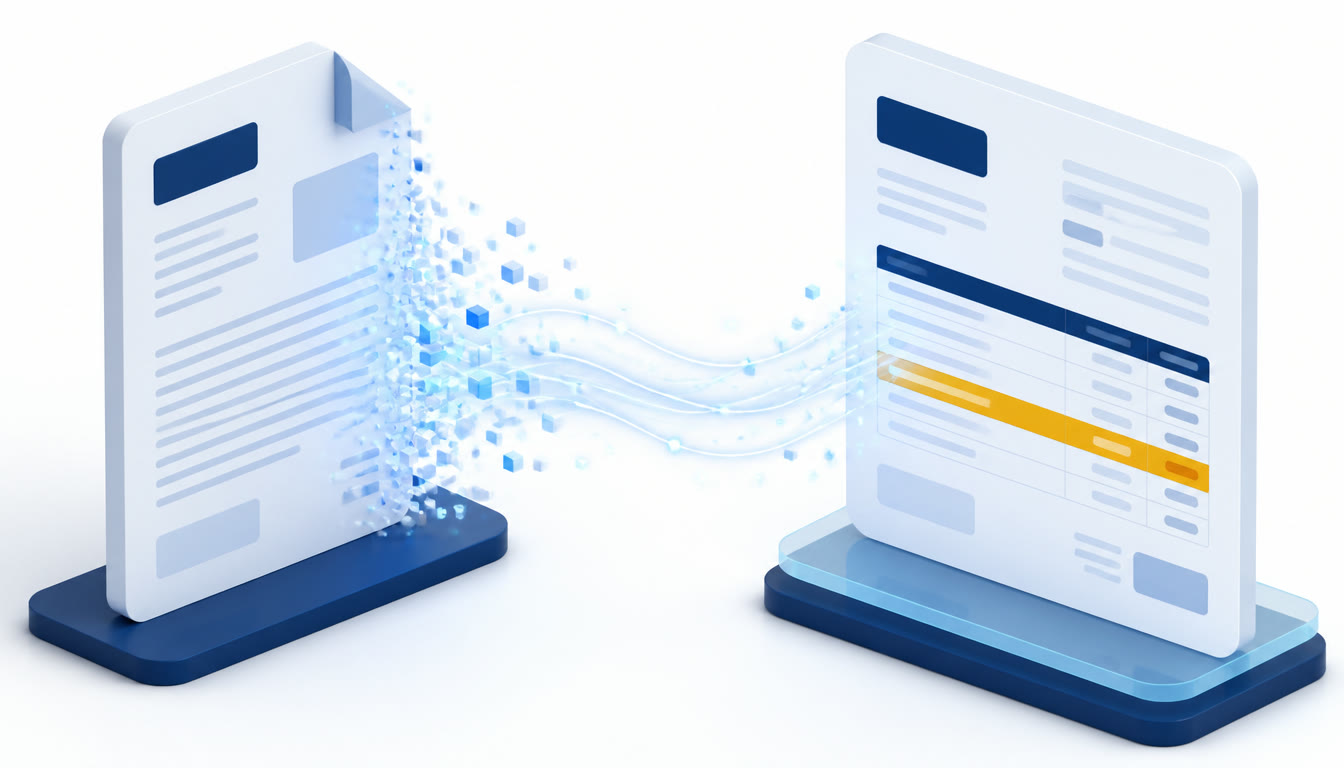
Still typing invoices into SAP?
Open the PDF. Find the numbers. Type them in. Check for typos. Repeat — for every invoice, every day.
Your team has better things to do.
| Your volume | Typing them in | With templit |
|---|---|---|
| 100 invoices / month | ~7 hours | ~20 minutes |
| 500 invoices / month | ~33 hours | ~1.5 hours |
| 1,000 invoices / month | ~67 hours | ~3 hours |
Four minutes per invoice is a fair estimate for opening the PDF, keying the header and lines, and checking it back. templit still needs a person to review each draft before posting — that review is the time in the last column.
Three steps. Then it's automatic.
From PDF in your inbox to draft in SAP Business One.
Drop an invoice onto SAP.
Just drag the PDF in. That's it.
Pick your fields.
Document number, date, supplier, products, prices — click what you want, and templit finds it.
templit remembers.
It learns that supplier's format. Next time, just drop the invoice — templit knows which template to use.
templit fills the draft from the master data you already keep. It matches your suppliers and products — it never creates them for you.
See it in action
Two minutes, start to finish — a supplier invoice becoming an SAP Business One draft.
Your invoices stay on your system. Always.
templit only needs to see one sample invoice — the one you use to set up a template. That single PDF is processed by us to build the template. Nothing else ever leaves your network.
Every invoice you import from then on is read on your own machine, next to your SAP. Your suppliers, your prices and your documents stay where they are.
We publish exactly what happens to that sample, who processes it and how long it is kept, in our Privacy Policy.
Why templit
Four reasons finance teams stop typing and start dropping.
It's fast.
Invoices import in seconds, not minutes. Even at month-end.
It's accurate.
No typos, no misread numbers. What's on the invoice is what lands in SAP — in any language, across as many pages as it takes.
Built for SAP B1.
Not a separate app or an export file. templit works right inside SAP.
Unlimited invoices.
Once a template is set up, ten invoices or ten thousand cost the same to import.
Simple pricing. Unlimited invoices.
Create a supplier template once. Import unlimited invoices from that supplier into SAP Business One — with no per-invoice fees.
Choose the number of suppliers you need.
Free
$0/month
1 supplier
Try it on one supplier, free.
- Unlimited invoices from that supplier
Starter
$19/month
Up to 15 suppliers
For teams with a handful of regular suppliers.
- Unlimited invoices
Professional
$49/month
Up to 50 suppliers
The plan most finance teams land on.
- Unlimited invoices
- Priority support
Business
$99/month
Up to 150 suppliers
For SAP Business One sites with a long supplier list.
- Unlimited invoices
- Priority support
Every plan includes
- Drag & drop PDF invoices
- Automatic template generation
- SAP Business One integration
- No per-invoice fees
- Help installing templit and setting up your first template
- What happens after I create a supplier template?
- The template can be reused for every future invoice from that supplier.
- Can I upgrade later?
- Yes. Upgrade whenever you need to support more suppliers.
Frequently asked
Straight answers about how templit fits into your workflow.
Is templit a separate program?+
No. It installs into SAP Business One and runs inside it — the invoice arrives in your normal draft screen, not in a separate app or an export file.
What can it pull off an invoice?+
The supplier, document number, dates, currency and totals, plus the line items — products, descriptions, quantities and prices. You pick which ones on each template. Product invoices (item codes, quantities, prices) and service invoices (just a description and an amount) are handled as two separate template types.
What kind of PDFs does it work with?+
Any digital PDF with real text in it. templit reads the words as they are printed rather than running OCR over a picture, so it doesn't misread numbers the way OCR can on a blurry scan. Suppliers can invoice you in any language, including right-to-left ones, and invoices running over several pages are fine — including tables that carry on to the next page. What it can't read is a scanned photo of an invoice, because there is no text in it to read.
Does the supplier need to exist in SAP already?+
Yes. templit fills a draft from the master data you already keep — it matches the supplier to a Business Partner by name or Federal Tax ID, and on product invoices it matches each line to one of your items, either by description or by the supplier's own catalogue number. If something is missing it tells you exactly which supplier or product to add, rather than inventing one.
What happens to the invoices templit creates?+
They arrive as invoice drafts, with the original PDF attached. You review and post them yourself — templit never posts anything on its own. And when something can't be read confidently it gets flagged for you to check rather than guessed at, so nothing reaches your books without you seeing it.
Do my invoices get uploaded somewhere?+
Only the one sample you use to create a template — that PDF is processed by us to build the template. Every invoice you import afterwards is read on your own machine and never leaves it.
What if a supplier changes their invoice layout?+
Drop in one of the new invoices and update the template. Takes a minute.
What happens if your servers are down?+
Importing keeps working. Your templates and the reader that runs them sit on your own machine, so dropped invoices still become drafts. Only creating or updating a template needs to reach us.
How does pricing work?+
You're priced by how many suppliers you need — see the plans above. Every plan includes unlimited invoice imports once a template is set up, because that part runs on your own machine and never touches ours.
Want the bigger picture? Read our guide to SAP Business One AP automation.
Stop typing invoices. Start dropping them.
Tell us a little about your setup and we'll get templit running on your own supplier invoices. On every plan, including Free, we help you install it and set up your first templates.
- 1We reply and agree which suppliers to start with.
- 2We install templit with you and set up the first templates.
- 3You drop real invoices and check the drafts in SAP.
Prefer email? contact@templit.one